Download your screenshots
Want to keep your screenshots forever, or use them somewhere else? Download them. With an active subscription, Stillio archives your screenshots for 3 years, and once you've downloaded them, they're yours to keep as long as you like and store wherever you like.
There are two ways to download: individual screenshot files, and monthly zip archives for a single webpage. Other download options aren't available at the moment.
Download an individual screenshot
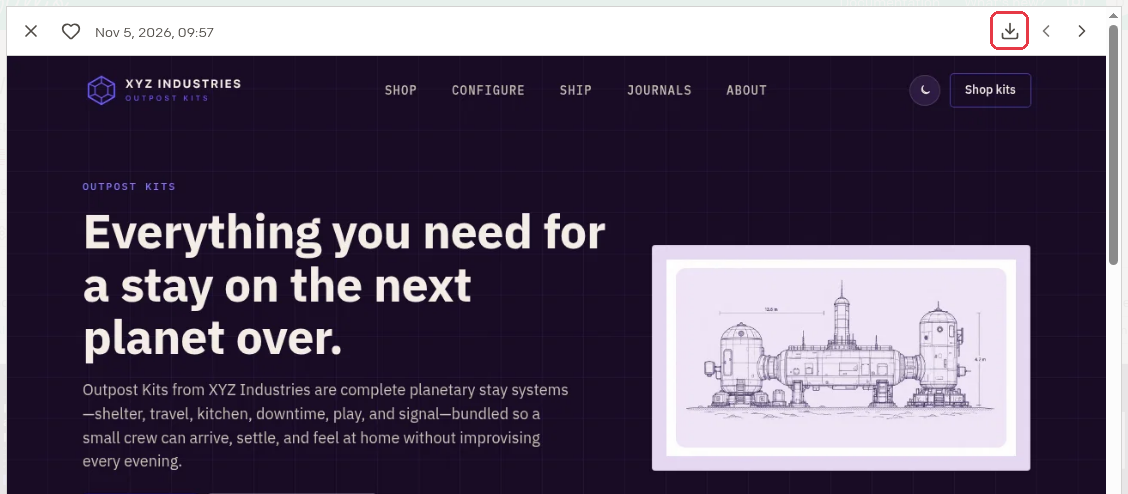
- Select a webpage and click a screenshot to open it full size.
- Click the Download screenshot icon in the top right corner of the viewer.
Download a monthly zip archive
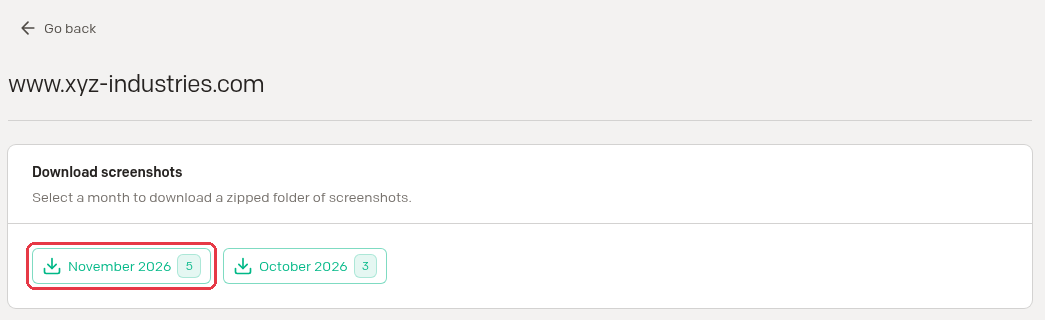
Need a whole month at once? You can download a zip file with all screenshots from a single month for a single webpage.
- Select the webpage you want to download from and click the Download button in its header.

- Click the month you want. The zip file downloads right away.