Download and Email Invoice
Email Invoices
By default, invoices are sent automatically to the email address of the account owner. However, there are times when the account owner would want others to receive the invoice as well. You can request this by contacting us at support@stillio.com.
Download Invoices
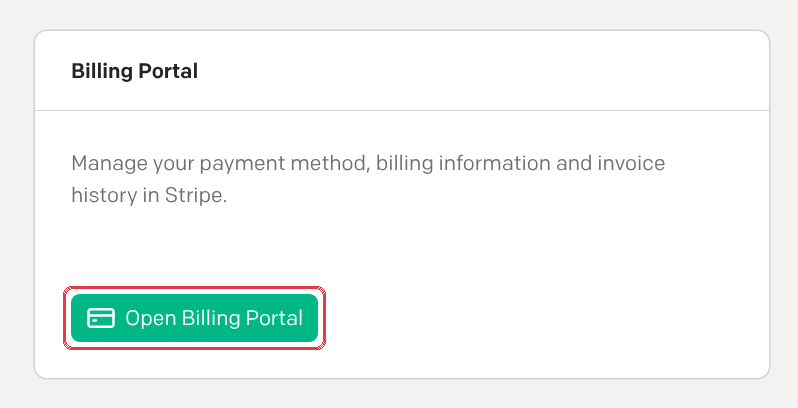
Your past invoices are in the billing portal, our payment provider's secure page:
- Go to Settings > Subscription.
- Click Open Billing Portal.
- Under Invoice history, click an invoice to download it.